
Invoice Management For Delivery Businesses
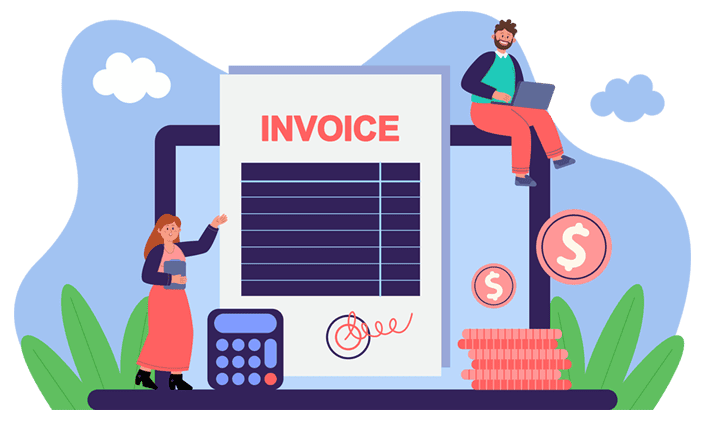
Invoice Templates
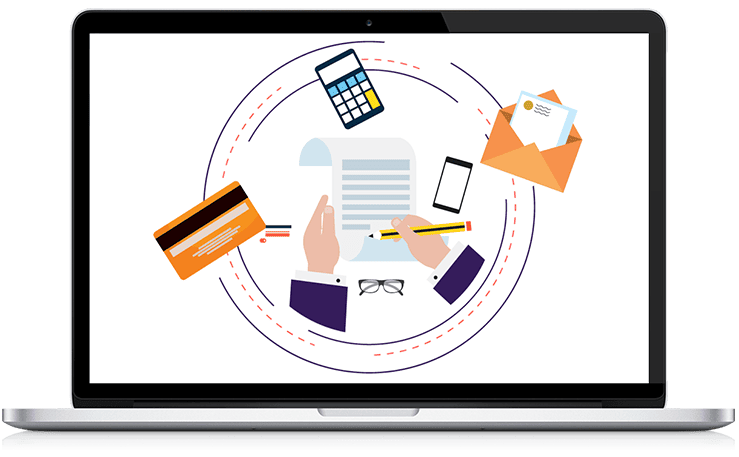
- Create standardized invoice templates to maintain consistency across your invoices. There are multiple templates available in the system for invoice layout. Within the system, we hold various templates for invoice layouts
- This allows flexibility when sending the final invoice, plus it gives you a professional look.

Customer Advantages
- Establish open communication channels with your customers regarding invoices. Send polite and professional reminders for overdue payments.
- Allow your customers to see, download, and check if an invoice has been paid directly from the Portal using our delivery management software.
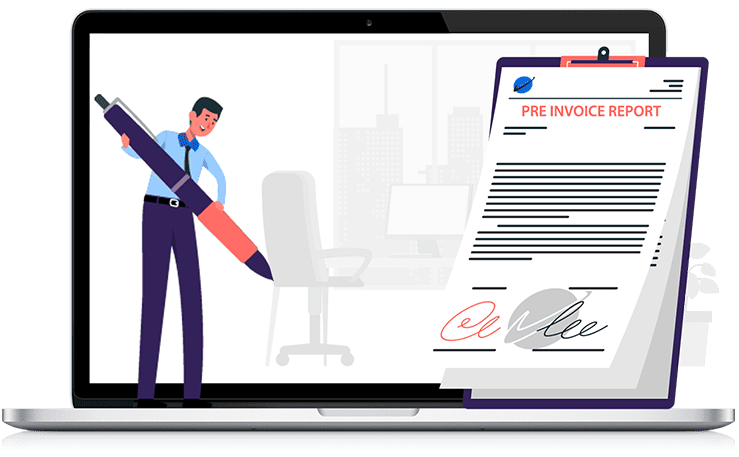
Pre Invoice Report
- Our Pre invoice report feature allows you to check the details of jobs completed before the invoice is generated. You can send this to the client in advance of the invoice, or use it yourself to confirm pricing.
- Any old uninvoiced shipments can be added to the pre-invoice report invoice. The pre-invoice report can be emailed to customers in PDF or CSV format.
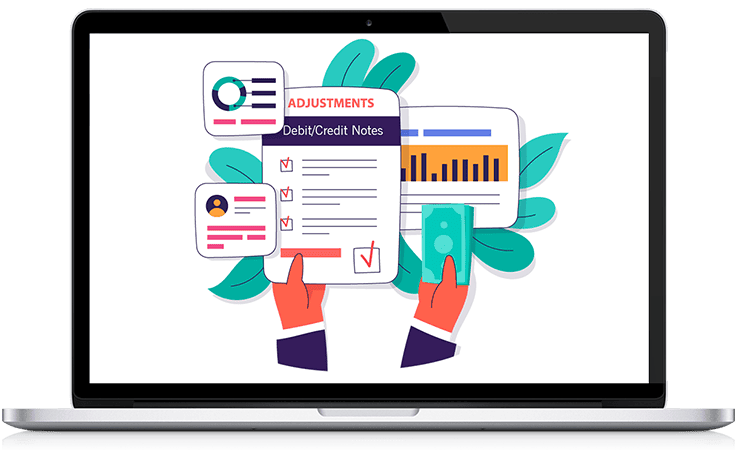
Adjustments - Debit/Credit Notes
- Adjustments-Debit/Credit for debit and credit notes are done only when the invoice is already in the system. You can issue debit/credit notes to the customer.
- If you need to make an adjustment to a completed job, just make the change, reprice the job, and the system will generate a debit note if the booked shipment rate is charged lower to the customer or credit if the booked shipment rate charge is higher for the customer. It will then add a separate note on the job screen letting you know that this has been completed.
Export Invoice Summaries In Sage, Quickbook & Xero Format.
- Create, update and export Invoices from the Instadispatch system into .csv or .xls which are compatible with Import in the platforms like QuickBooks, Sage, and Xero. Eliminate tedious, manual data entry.
- Ready to streamline your invoice management? Try InstaDispatch, the leading courier software trusted by delivery businesses.
Regular Reconciliation
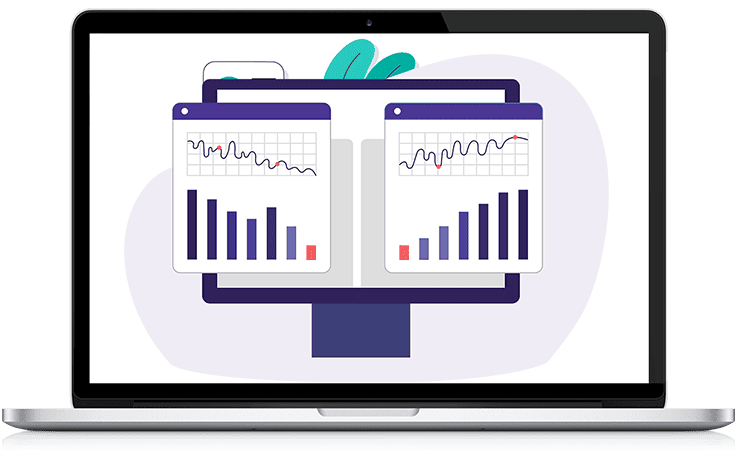
- Regularly reconcile your invoices with payments received to identify any discrepancies or outstanding payments. You can insure with InstaDispatch that each received invoice being reconciled before the final invoice run within the software.



Frequently Asked Questions (FAQs)
-
What is invoice management in delivery software?
It helps create, send, and track invoices for deliveries, automating the billing process while keeping everything organized and consistent.
-
Can I use different invoice templates?
Yes, the system offers multiple customizable templates to help your invoices look professional and match your business needs.
-
What is a pre-invoice report?
A pre-invoice report summarizes completed jobs before invoicing, helping you review job details or send it to customers for verification.
-
How do debit and credit notes work?
If an invoice needs adjusting after creation, the system generates debit or credit notes to reflect price changes or corrections.
-
Can invoices be exported to accounting software?
Yes, invoices can be exported in CSV or XLS formats compatible with QuickBooks, Sage, and Xero for easy import.
-
How do customers view their invoices?
Customers can view, download, and check invoice payment status directly from a customer portal, making the process transparent and easy.
-
What is invoice reconciliation?
Reconciliation compares invoiced amounts to payments received, helping identify discrepancies or unpaid invoices before the final billing process.
-
Can I send invoice reminders?
Yes, the system allows sending professional reminders to customers about overdue payments, helping maintain smooth cash flow.
-
Why use invoice templates?
Templates ensure consistency and a professional appearance for all invoices, saving time and enhancing your brand image.
-
Is manual data entry required for invoicing?
No, data is automatically processed and exportable, eliminating the need for tedious manual entry and reducing the chance of errors.
-
Does InstaDispatch integrate with QuickBooks?
Yes, InstaDispatch fully integrates with QuickBooks, allowing you to seamlessly export invoices and automatically sync all financial data with your accounting system. This ensures accurate bookkeeping, faster reconciliation, and efficient financial management — all within a connected workflow.
Let's Talk
We have a few more functionalities in the software, but we don't want to spoil the surprise. Write to us and start a free 14-day trial.
Get in touch, to know more
InstaDispatch delivery management software is a cloud based system and you can get started in no time. Start your free 14-day trial today

