
Signing up for InstaDispatch is quick and straightforward. InstaDispatch offers a 14-day free trial, allowing you to explore the platform before choosing a pricing plan.
Follow the steps below to create your account:
1
Visit the Website
Go to the InstaDispatch website in your browser:
👉 https://www.instadispatch.com/
2
Click on “Free Sign Up
On the homepage, click the red “Free Sign Up” button to begin the registration process.
3
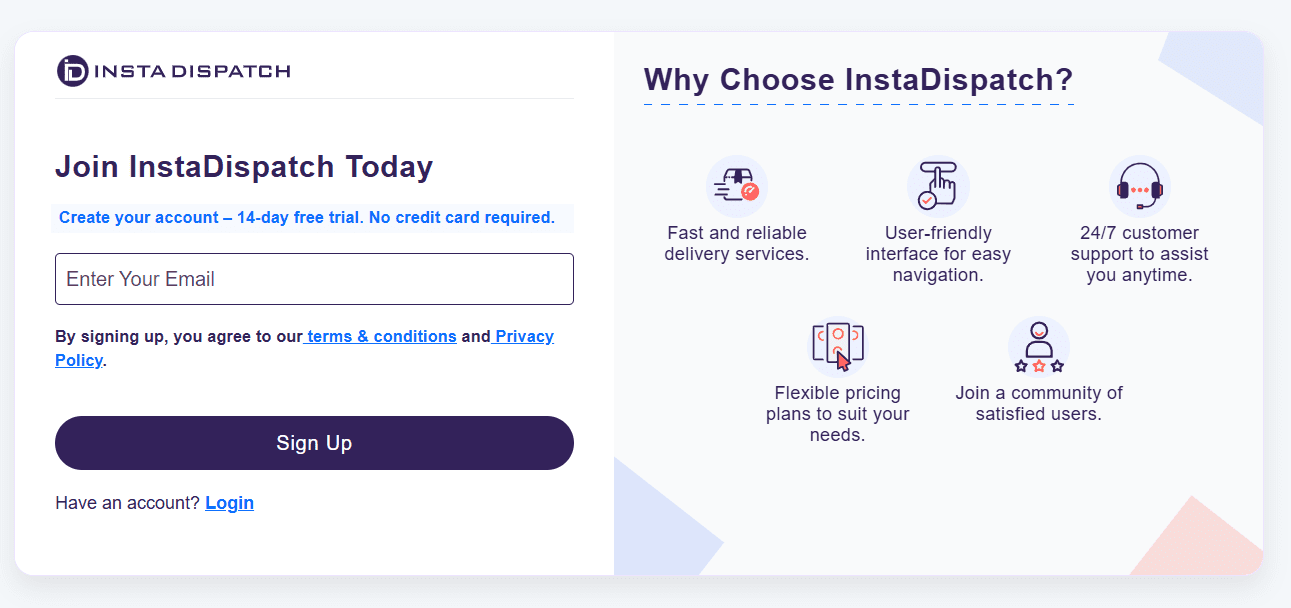
Enter Your Email Address
- Enter your email address
- Click on “Sign Up”
4
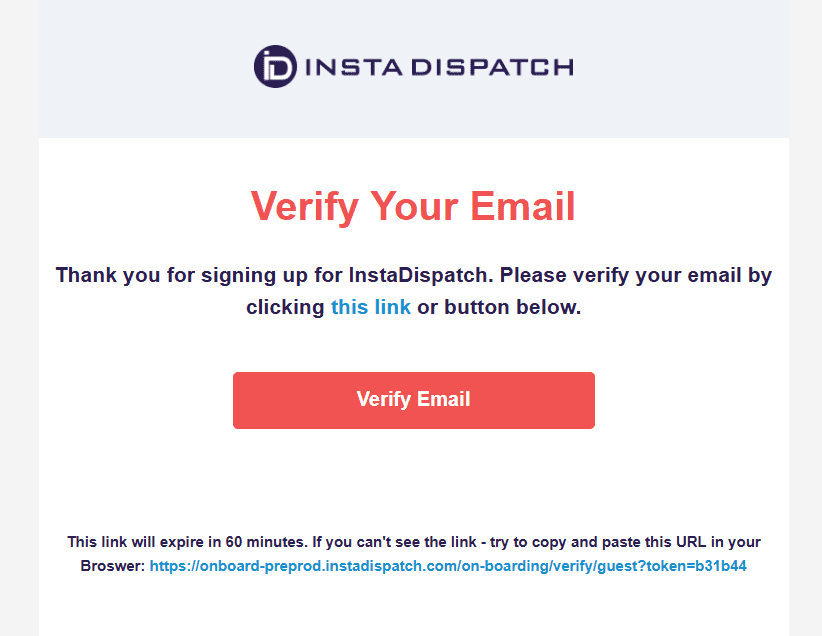
Verify Your Email
- A verification email will be sent to your inbox
- Open the email and click on the verification link
5
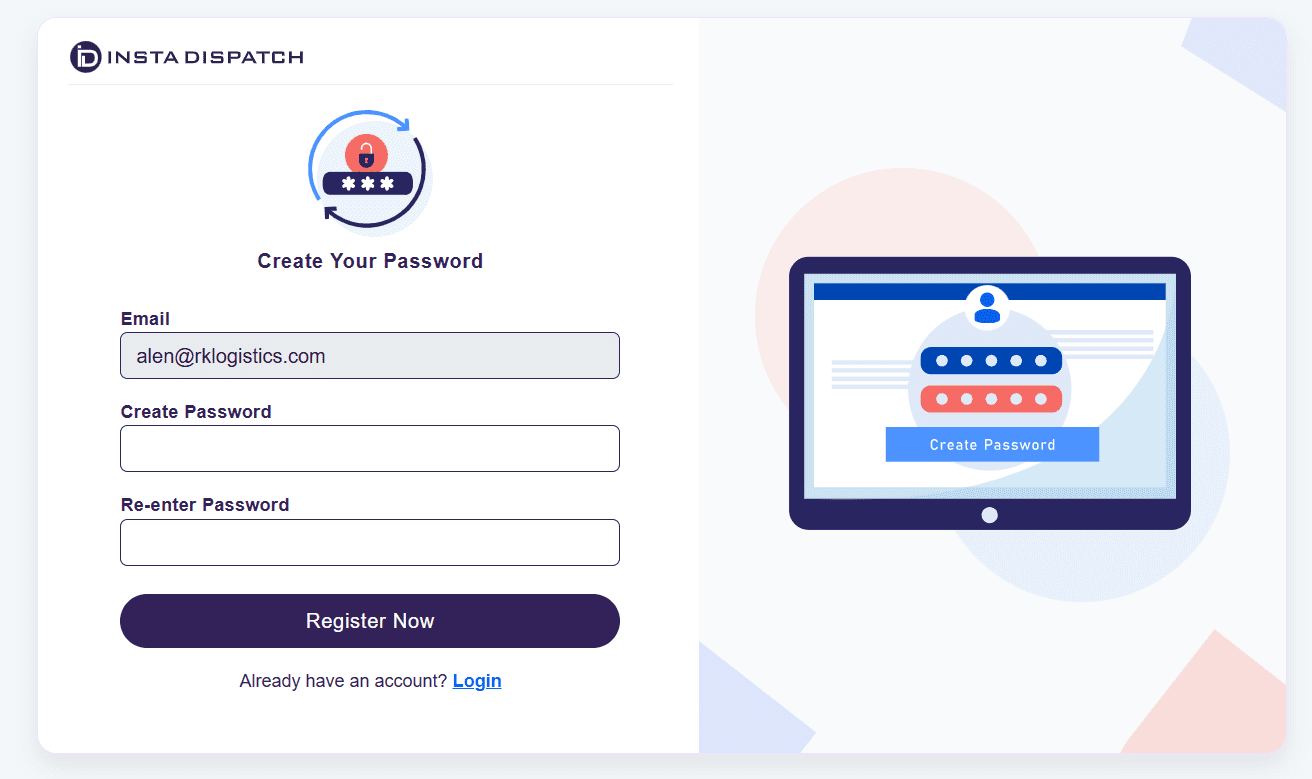
Create Your Password
- Once verified, you will be prompted to set your password
- After setting the password, your InstaDispatch account is created
6
Complete Business Setup Questions
- You will be asked a few questions about your business operations.
Note
Select the options that best match your business.
Your account configuration and setup will be based on these selections.
7
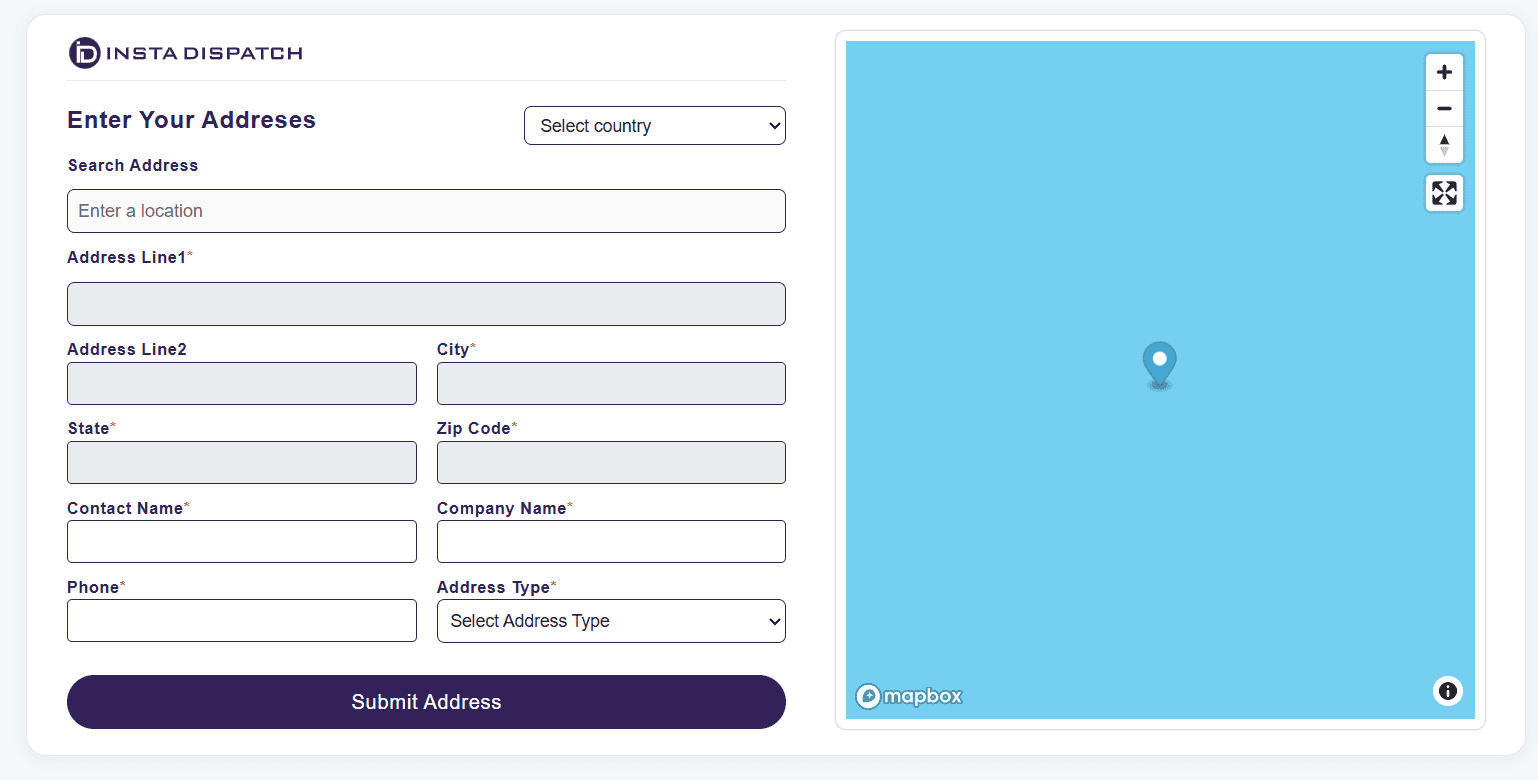
Enter Your Business Address
- Enter your company or warehouse address
- Select your country first
- Fill in all required fields
- Click “Submit Address”
8
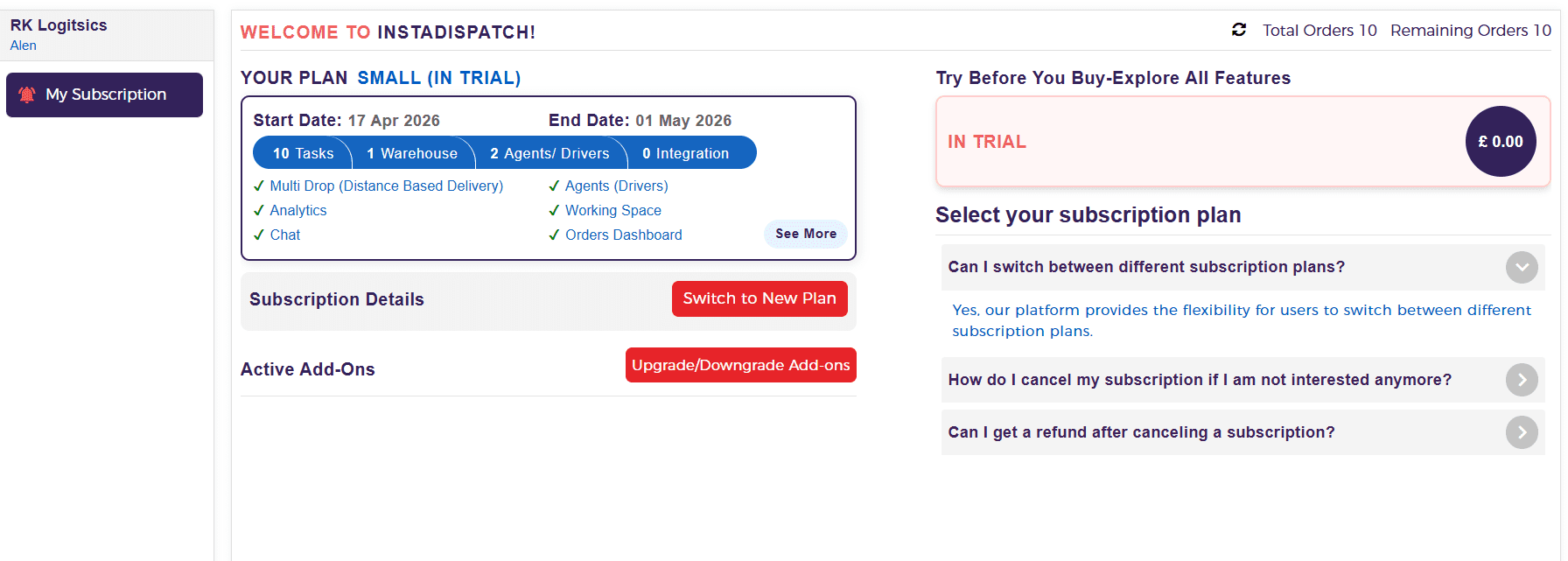
Access Your Dashboard
Once completed:
- Your account setup is finished
- You will be redirected to the InstaDispatch dashboard
- Your 14-day free trial is automatically activated
9
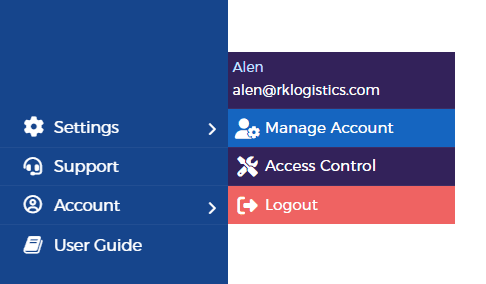
Manage Your Account
To view or update your account details:
- Go to Account from the side panel
- Click on “Manage Account”
Summary
- Quick signup with email verification
- Business-based account setup
- Instant access to the dashboard
- 14-day free trial activated automatically
👉 Learn what you’ll get in your 14-day free trial account and how to make the most of it.
